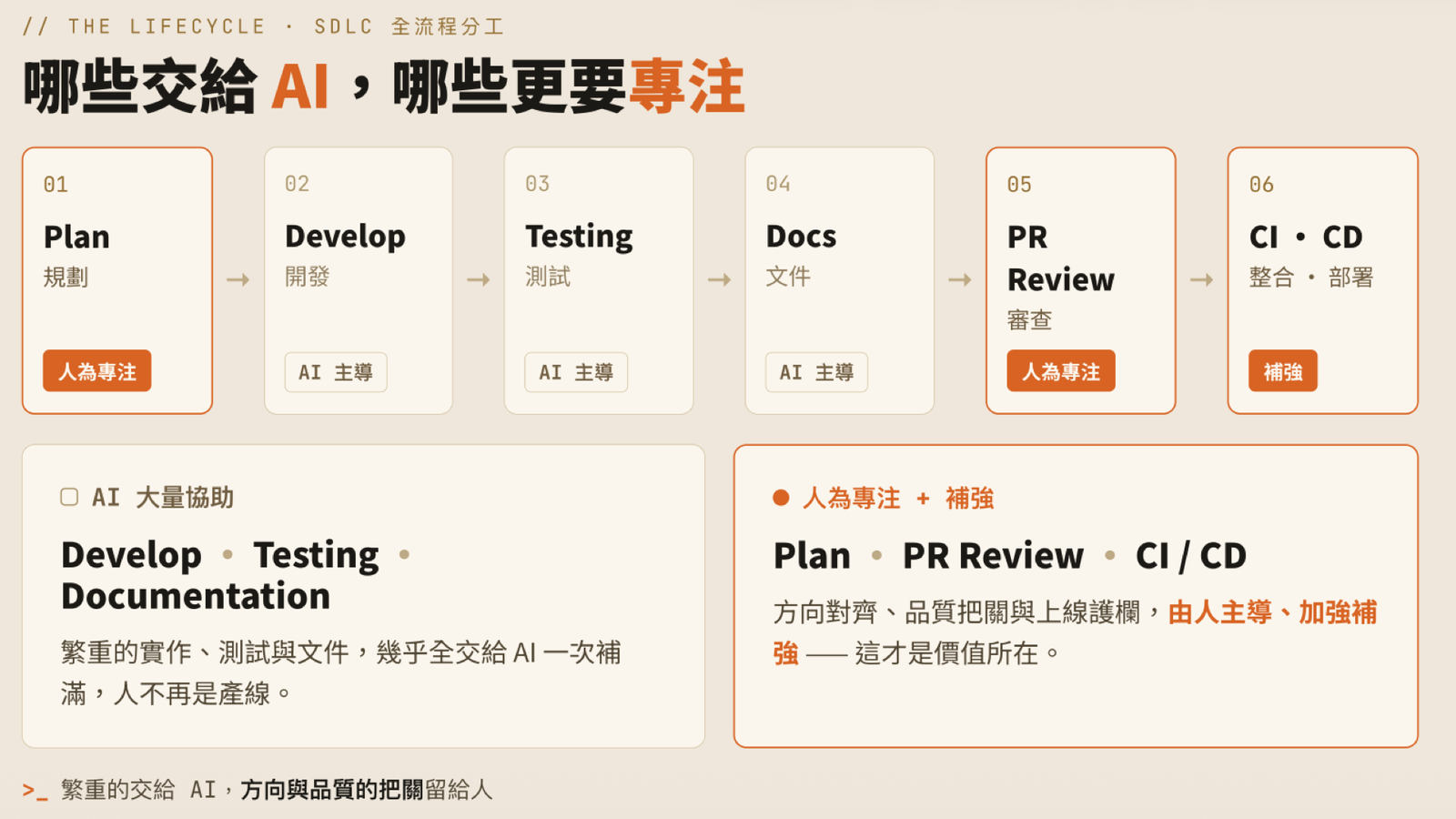
On July 1, 2026, I ran a 90-minute hands-on LAB workshop at iThome Cloud Summit Taiwan: “When AI Can Already Write Code — Building Your AI Workflow”. This article walks through the core content and hands-on exercises from that day, so friends who couldn’t make it can follow along and run through it themselves, and attendees have a set of notes to come back to.
On the same day I also gave a conference talk about our complete two-year journey of adopting AI Agentic Coding — the recap is here: From Watching on the Sidelines to Company-Wide Adoption: Two Years of AI Agentic Coding in Practice. That talk covered the “why and how to drive adoption”; this LAB was about rolling up our sleeves and actually doing it.
Event Info
| Item | Details |
|---|---|
| Event | 2026 iThome Cloud Summit Taiwan · LAB |
| Date | July 1, 2026 |
| Duration | 90 minutes |
| Format | Hands-on Workshop |
| Speaker | Bo-Yi Wu (@appleboy) |
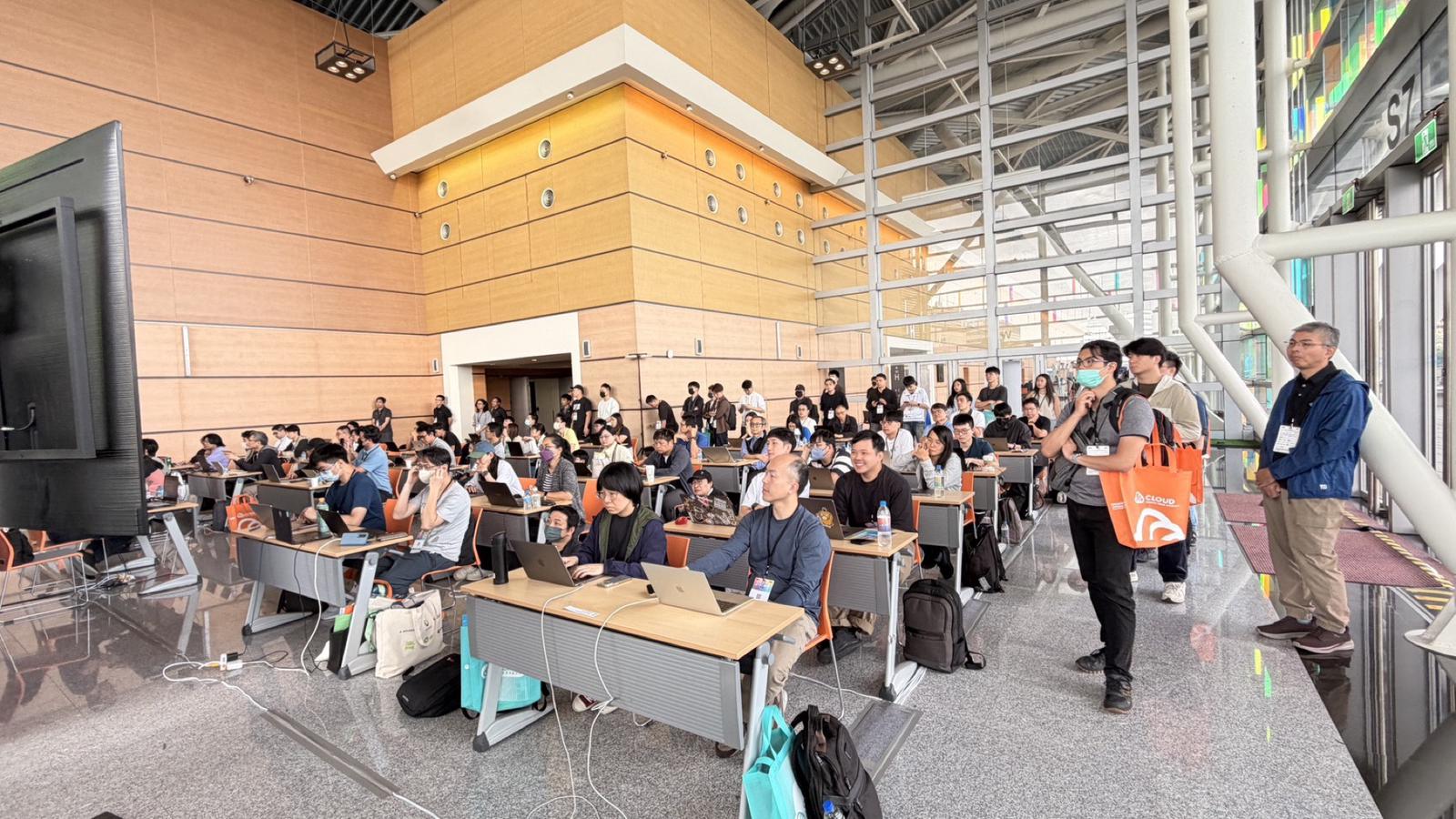
What This Workshop Is About
We don’t do empty theory. Throughout the workshop you work on a real project as your practice ground — either an open source project or an internal project from your own company — using Claude Code together with Agent Skills and MCP to run through a full software development lifecycle (SDLC): from planning and development to automated review and submission.
Along the way, there are two shifts you experience firsthand:
- “Writing specs” replaces “writing code” as the new core competency — through a side-by-side experiment comparing vague instructions against precise specs, you see how a spec with sufficient context directly determines whether AI output succeeds or fails.
- Upgrading from “executor” to “strategist” — once you modify a Skill with your own hands and package your team’s best practices into a reusable asset, your impact is no longer one-off execution but scalable process design.
Plenty of people can write code, but people who can break a problem down clearly and package team knowledge into Skills are rare. The goal of this session is to make you one of the latter.
The Core Thesis: An Engineer’s Value Has Moved Up a Layer
When AI can already write code, where does an engineer’s value lie?
My answer: the value doesn’t disappear — it moves up a layer. From “writing the code by hand” to “defining the problem, designing the workflow, and directing the AI”.
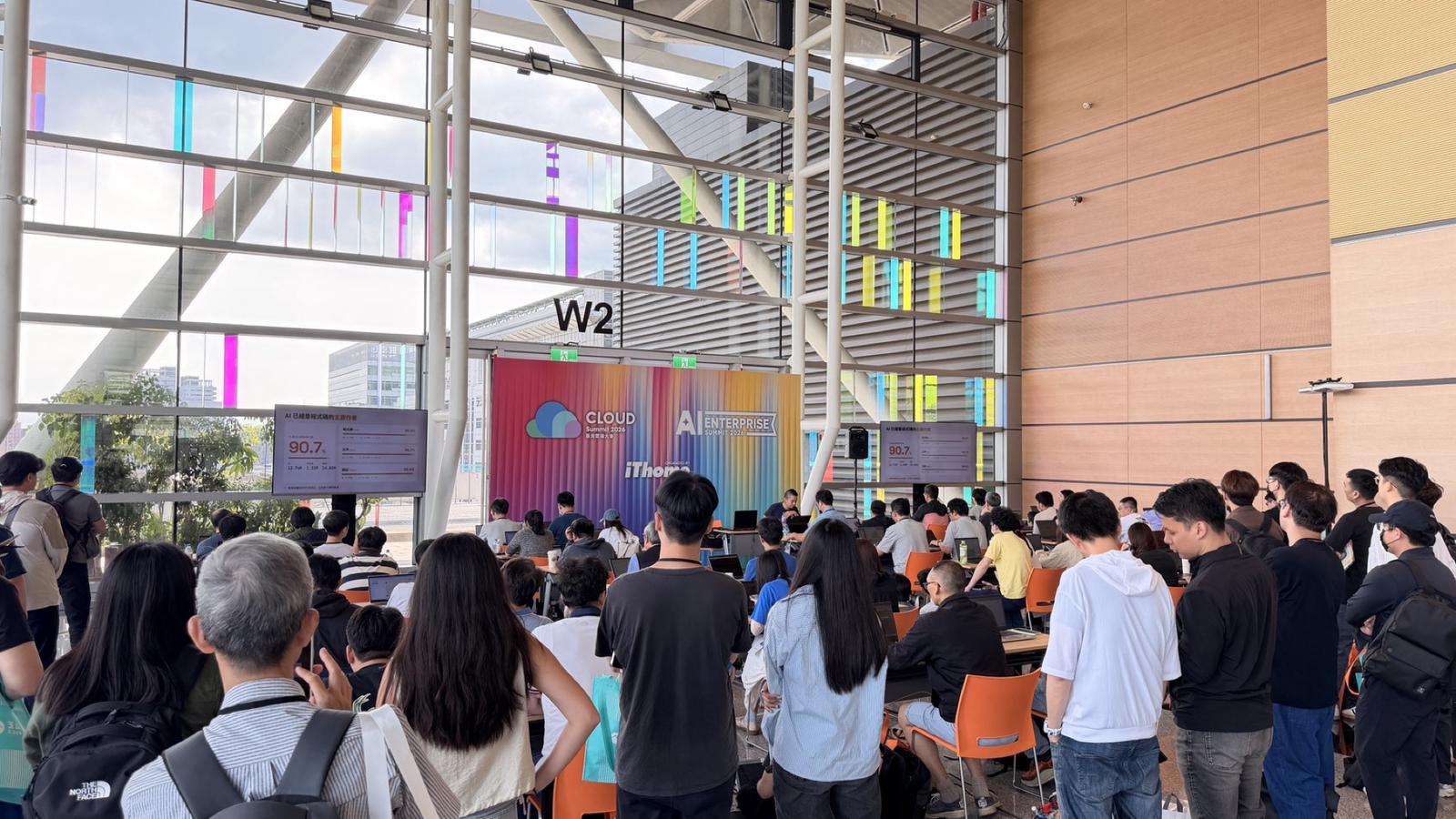
This isn’t a slogan; it’s the reality reflected in our team’s actual numbers. Measured by lines of code added, AI is already the primary author of our code:
| Category | AI Output | Human Output | AI Share |
|---|---|---|---|
| Code | 6.86M lines | 1.06M lines | 86.6% (~6.5×) |
| Docs | 4.97M lines | 0.22M lines | 95.7% (~22.5×) |
| Tests | 0.92M lines | 0.03M lines | 96.4% (~27×) |
| Total | 12.74M lines | 1.31M lines | 90.7% |
Interestingly, documentation and tests — the things most often sacrificed in the past — are exactly what AI now fills in most completely. That fact alone says a lot about where AI fits in the SDLC.
Dividing Up the SDLC: What to Hand to AI, Where to Focus Harder
Lay the software development lifecycle out flat and the division of labor is actually very clear:
- AI-led: Develop, Testing, Docs — the heavy lifting of implementation, tests, and documentation goes almost entirely to AI, filled in completely in one pass. Humans are no longer the production line.
- Human focus: Plan, PR Review — aligning direction and gatekeeping quality stay human-led.
- Reinforced: CI/CD — the guardrails for shipping: human-led, AI-strengthened.
One sentence sums it up: hand the heavy lifting to AI; keep direction-setting and quality gatekeeping with humans.
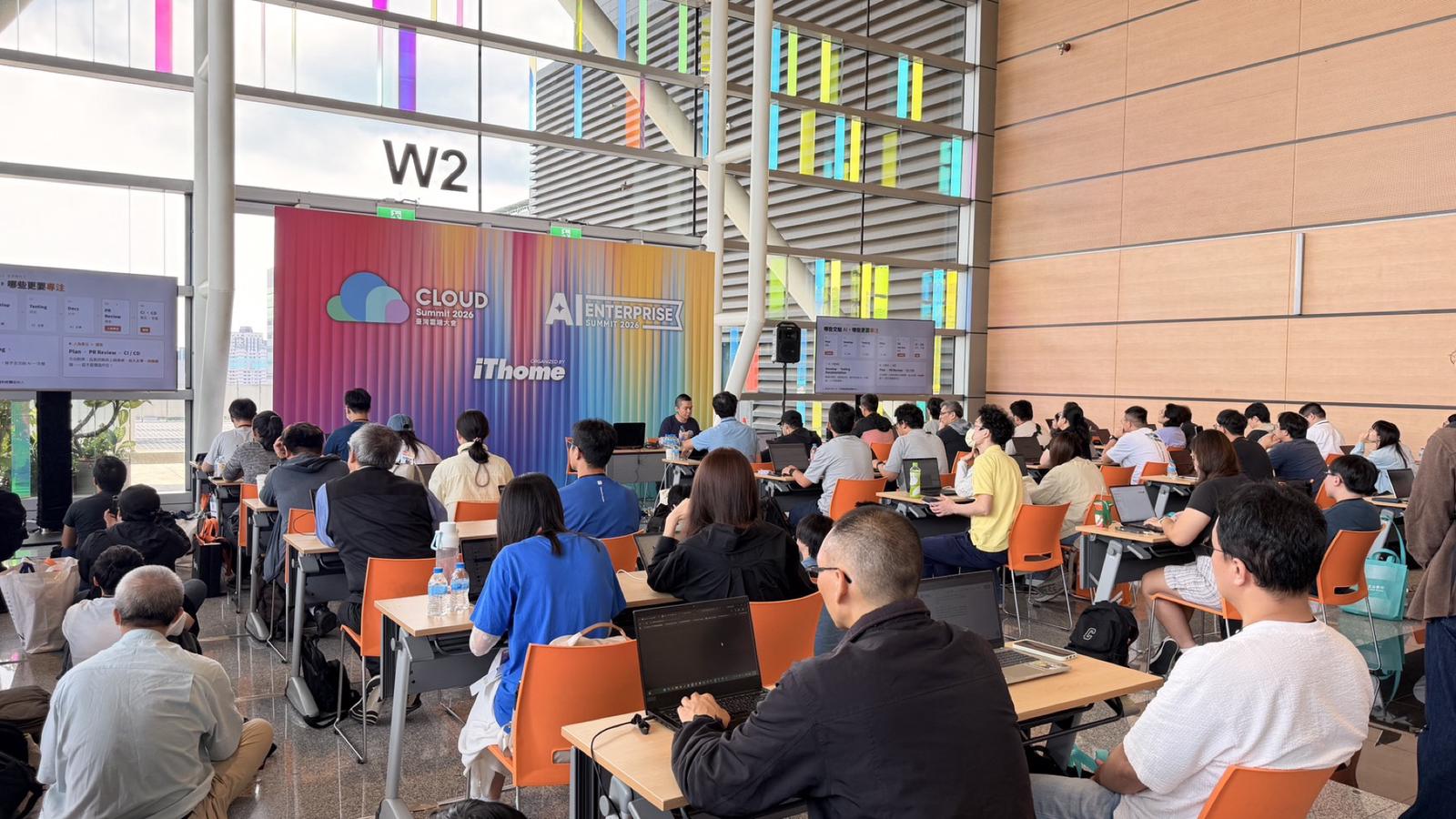
Part 1: Aligning on Concepts — Agent Skill × MCP
The workshop’s two keywords each play their own role and complement each other:
Agent Skill: Determines “How” the AI Works
Package your team’s best practices, processes, and conventions into reusable capabilities for AI — so the AI understands the way you work.
MCP: Plugs the AI “Into Your Services”
Connect the AI to your development environment and external systems (Jira, Gitea, Confluence…) — so the AI can act in the real environment.
Knowing the process + being able to act. Only with both combined can AI understand your workflow and actually get things done inside your development environment.
Enterprise MCP Security Architecture: The Gateway Guards, the IDP Issues Tokens, Clients Never Connect to MCP Directly
When rolling out MCP inside an enterprise, security governance is a topic you can’t route around. Our approach: every request first passes through the mcp-oauth2 plugin on the MCP Gateway to verify the JWT, and only after verification is it forwarded into the MCP cluster carrying identity and scope.
The full authorization flow looks like this:
- Challenge: requests without a token are blocked — return 401 +
WWW-Authenticatepointing toresource_metadata - Discovery: the client reads
/.well-known/oauth-protected-resourceto find the IDP - Authorize: complete authorization via Authorization Code + PKCE; the IDP issues an RS256 token
- Verify: the MCP Gateway verifies the signature against JWKS, then checks
iss/aud/exp/scope - Forward: only after passing is the request forwarded, with
X-MCP-SubjectandX-MCP-Scopeattached
The key design decision: internal MCP Servers (Gitea MCP, Jira MCP, Confluence MCP) trust only the identity headers forwarded by the MCP Gateway and never touch tokens themselves. Developer tools (Claude Code, OpenAI Codex, Gemini CLI) all connect uniformly through the standard OAuth flow — a single entry point with centralized governance.
Part 2: The Full AI SDLC in Practice
Now for the main body of the workshop: from planning and development to review and submission, chained together end-to-end with Skills.
Before Writing Code, Spell Out the Plan: /plan-feature
Most AI coding failures happen not because the model isn’t strong enough, but because the human didn’t provide enough context. /plan-feature spends about 15 minutes turning you into Claude’s product manager, dramatically improving the implementation success rate.
When should you plan?
- “Add / create / implement / develop / ship” a feature, endpoint, component, page, or service
- The prompt is short and vague — “add a dashboard”, “build a login flow”
- Requirements that only describe functionality without file paths
When should you just do it?
- Typo fixes, single-line config changes
- Simple renames
- The user has already provided a complete spec
When in doubt, plan.
The eight-step workflow:
The first five steps are thinking and design (don’t write code yet):
- Clarify goal
- Explore code
- Identify scope
- Verification strategy
- Sketch diagram
The last three steps are writing it down, getting approval, and handing off:
- Draft the plan (plan.md)
- Get approval ✋ — stop here before writing code
- Recommend handoff
The final deliverable is a plan.md — a contract document you can hand off to a brand-new AI session, structured as:
| |
A few writing tips:
- The Goal takes one paragraph: who uses it, what it looks like when done, what it returns — concrete enough that the implementer doesn’t have to guess
- Scope is two lists: explicitly enumerate what may and may not be modified, protecting your core code
- Verification + Done: 3 tests plus a checkable definition-of-done checklist
The hands-on exercise on the day: take a real case from your own work (not a toy example), run /plan-feature, let it interview you and clarify the goal, and go all the way to producing the plan.md.
Three Skill Commands That Keep AI Output Quality Consistent
This isn’t pasting code into a chatbot — these Skills run tools on your repo, read the entire codebase, and fix things directly:
/simplify— rein in over-engineering: clean up the duplicated logic and over-abstraction AI tends to produce, reducing complexity and making the code easier to maintain./security-review— automated security review: sweep the security surface to catch injection, leaked secrets, and permission holes — patch them before shipping./code-review max -fix— maximum-intensity review + auto-fix: run a code review at the strongest level, with-fixrepairing issues in place instead of just listing them.
Every round of AI output automatically gets a quality guardrail attached.
Commit and PR, Split Into Two Skills
Commits are individual atomic changes; a PR is a complete story — different concerns, and splitting them lets each be done well.
/commit-message — commits that can explain the “why”
- Reads the staged diff and understands what actually changed
- Matches the repo’s existing style and conventions (Conventional Commits…)
- Produces clear, focused commit messages — no more “update files”
/pr-prepare — pulls a whole branch together into one PR
- Auto-generates title, summary, key changes, and how-to-test
- Lays out AI authorship, change classification, and verification status
- Adds the related issue link and reviewer hints
The result: a reviewer opens the PR and immediately knows what it does and where to look.
⚠️ One important reminder: before running the command, review the code yourself and make sure it’s fine first. AI writes the message and assembles the PR for you, but it doesn’t take responsibility for correctness; running it without looking means shipping something unverified.
The full flow: read the diff → review it yourself → /commit-message → /pr-prepare.
After Opening the PR, Have an AI Do the First Review Pass
Once the PR is open, before any human reviewer steps in, let an AI catch a round of obvious issues and risks first. Pick any one of these three options:
- GitHub Action: Claude Code Review — Anthropic’s claude-code-action runs Claude on the PR and posts line-by-line review plus an overall summary (
@claude review) - Native integration: GitHub Copilot Review — natively integrated into GitHub; assign Copilot as a reviewer and get inline suggestions directly on the diff
- OpenAI Codex Review — triggered automatically or manually, producing review comments with concrete fix suggestions (
@codex review)
Turn Review Into an Automated Loop: /loop 3m /copilot-review
Taking option 2, Copilot Review, as the example — it can also run automatically with /loop:
| |
/loop calls /copilot-review every 3 minutes; each invocation runs exactly “one round” of check-fix and converges on its own — no need to babysit the computer. The skeleton of one round is:
Check comments → fix each one → push → resolve → re-review ↻
Broken into eight steps:
- Detect the PR: auto-detect the current branch, or specify number / repo directly
- Confirm review status: use GraphQL to confirm Copilot has finished reviewing and covered the latest push
- Fetch unresolved comments: filter for unresolved threads from
copilot-pull-request-reviewer - Fix the code: read and understand each one, judge the context before fixing — don’t blindly follow every suggestion
- Run tests: green before committing; fix breakage first, revert the suggestion if it conflicts
- Commit & Push: generate a conventional commit with
/commit-message - Resolve threads: mark handled threads resolved via GraphQL mutation
- Re-trigger review: re-assign @copilot and record
lastSeenReviewAt
Distinguish “ending this round” from “stopping the whole loop” — this is what trips up most first-time users:
The following three situations just return to end the current round and wait for the next one — they do not stop the loop:
- No Copilot review yet → trigger one first, wait for the next round
- The review predates the latest push → wait for it to review the latest push
- The re-triggered review hasn’t arrived yet → judge with
lastSeenReviewAt, keep waiting
The only condition that stops the loop: the review body contains “generated no new comments” or “generated 0 comment”. All threads resolved, or no new code pushed — neither is a reason to stop.
A few practical details:
- Cap it at 10 rounds — beyond that it’s usually an architectural disagreement; bring in a human
- Copilot reviews are Comment-type — they don’t approve and don’t block merge
- Free for open source repos — no Copilot subscription required
⚠️ The same reminder applies: before running /loop, you need to know the PR’s code inside out — AI fixes according to the suggestions, but whether it’s right is still on you.
Wrapping Up: AI Doesn’t Replace CI/CD — It Completes It
A “complete CI/CD” is something we rarely truly achieved in the past — tests, review, keeping the build green, docs, boards: some link in the chain always got sacrificed. With AI’s help, every gap gets filled:
| The Old Gap | After AI Completes It |
|---|---|
| Automated tests routinely sacrificed | ✓ AI fills them in |
| Code review skipped for lack of reviewers | ✓ Automated review |
| Red CI stuck for ages with nobody fixing it | ✓ Fixed until green |
| Docs / commits / PRs written carelessly | ✓ Standardized |
| Boards / status updated by hand | ✓ Written back automatically |
The links we could never finish or never do well can now all be filled in and run to green — this pipeline is more complete than it has ever been. And humans guard just the two ends: align direction at the start, final gatekeeping at the end.
After You Go Back
If you want to get hands-on with your own team, my advice is: pick the gap that hurts the most, use one of today’s Skills or a piece of automation, and get that one cell to green first.
You don’t need to overhaul the whole pipeline at once. Start with /plan-feature to provide sufficient context, or hook up /loop 3m /copilot-review and let review converge on its own — fill it in one cell at a time, and you’ll find the SDLC becomes complete faster than you’d expect.
Bo-Yi Wu (appleboy) is a backend architecture engineer at MediaTek, responsible for Technology Platform development and operations, leading the Backend, Kubernetes, and DevOps teams, and driving AI tool adoption across the company. GitHub: @appleboy | Blog: blog.wu-boy.com